
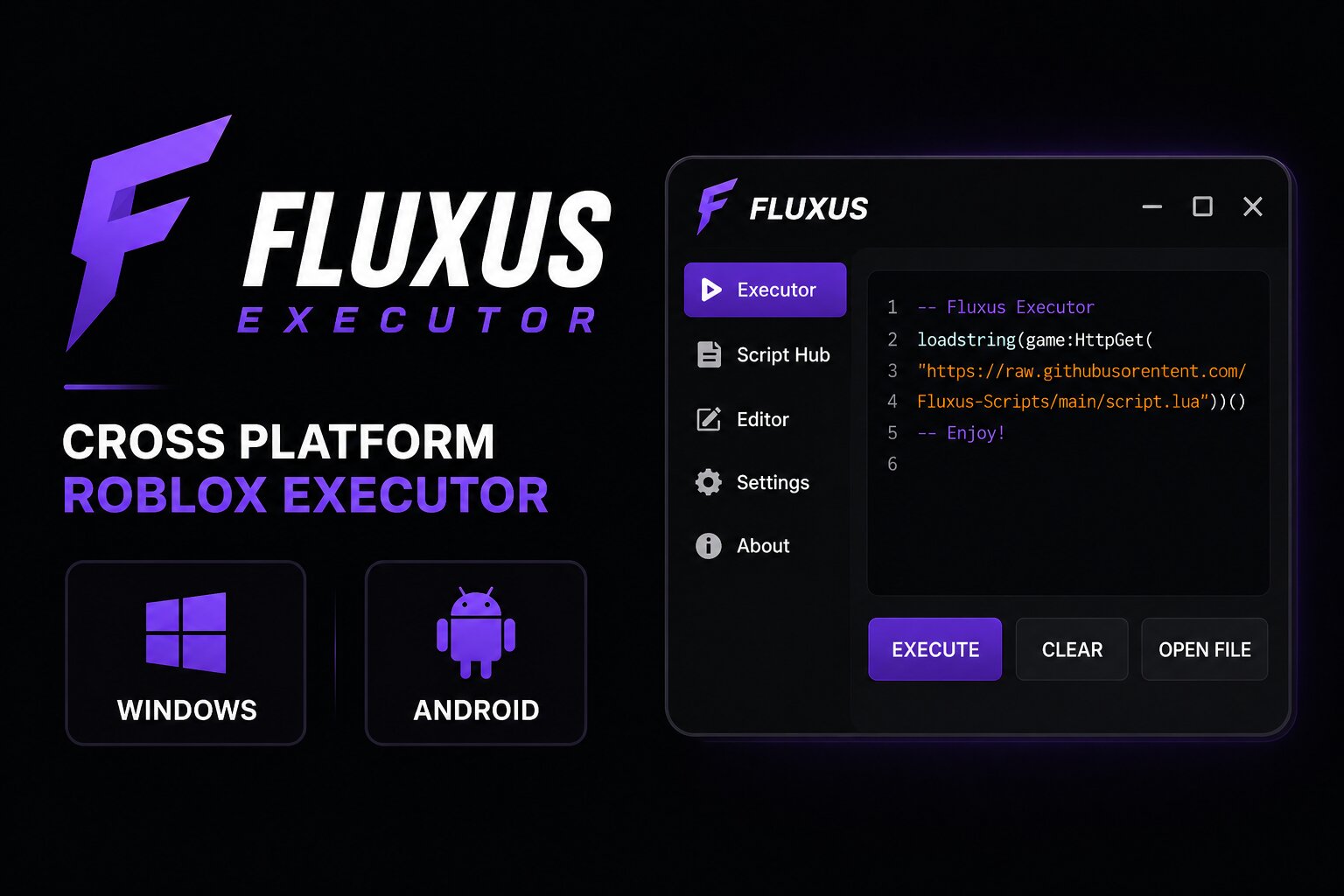
Fluxus remains a popular choice for Roblox players who want an executor that supports both Windows and Android. The platform has separate builds for desktop and mobile, while its script-focused interface makes it easy to load and manage Roblox scripts.
Unlike keyless options such as Solara Executor, Fluxus uses a key system on supported builds. Its main advantage is the ability to use a similar scripting workflow across PC and Android.
If you are comparing different Roblox executors, you can also check our complete Roblox Executor list to find alternatives for Windows, Android, and iOS.
Fluxus Information
- Platform: Windows and Android
- Access: Free
- Key System: Key may be required
- PC Build: Fluxus Windows
- Mobile Build: Fluxus Z
- Best For: PC and Android users
- Script Support: Roblox Lua/Luau scripts
- Download Fluxus
What Is Fluxus Executor?
Fluxus is a Roblox executor designed for users who want to run third-party Lua scripts while playing Roblox. It has been available in the scripting community for several years and has offered both Windows and Android versions.
The Windows version provides a traditional executor interface where users can manage scripts and execute them while Roblox is running. The Android version, commonly referred to as Fluxus Z, is designed around mobile gameplay and uses a different implementation to work with Roblox on Android devices.
The biggest reason players choose Fluxus is its cross-platform availability. Instead of being limited to a single device, users can find a Fluxus build for both PC and Android.
If you are primarily a mobile user, you may also want to compare Fluxus with Delta Executor, while PC-only users can look at Solara Executor.
Key Features of Fluxus
Windows and Android Support
Fluxus is available across two popular Roblox platforms. Windows users can use the desktop version, while Android users can use the mobile build.
Built-In Script Management
Fluxus provides an interface for loading and managing Roblox scripts, making it easier to keep frequently used scripts available in one place.
Script Execution
The main purpose of Fluxus is to execute Lua-based Roblox scripts. Supported features depend on the current Roblox version and the individual script being used.
Mobile-Friendly Interface
The Android version is designed for touchscreen devices and provides controls that are easier to use while playing Roblox on a phone or tablet.
Regular Updates
Roblox updates can affect third-party executors, so Fluxus releases may need to be updated when Roblox changes its client or security systems.
Key System
Depending on the current build, Fluxus may require users to complete a key process before accessing script execution features. The exact requirements can change with future releases.
How to Use Fluxus on Windows
- Download the latest Fluxus build from a source you trust.
- Extract the downloaded files to a dedicated folder.
- Open Fluxus and launch the official Roblox client.
- Join the Roblox experience where you want to use your script.
- If the current version requires a key, complete the required verification.
- Copy your Roblox script and paste it into the Fluxus editor.
- Attach Fluxus to the running Roblox session.
- Execute the script and use the available features.
Important: Never install an executor from random pop-ups, unofficial mirrors, or suspicious downloads. Executor-related files are frequently imitated by malware, so scan downloaded files before opening them.
How to Use Fluxus Z on Android
- Download the current Fluxus Z version from a source you trust.
- Install it on your Android device if the package is compatible with your device.
- Open Fluxus Z and follow the setup instructions shown by the current version.
- Complete the key process if one is required.
- Launch Roblox through the supported Fluxus environment.
- Join your desired Roblox game.
- Load your script into the available script interface.
- Execute the script and enable the features you want to use.
Android versions can change more frequently than Windows builds, so always make sure you are using a version compatible with the current Roblox release.
What Is Fluxus Z?
Fluxus Z is the mobile-focused version of Fluxus for Android. It exists separately from the Windows build because Roblox's mobile environment differs from its desktop client.
The mobile version is designed around touchscreen controls and provides a way to manage and execute supported Roblox scripts directly from an Android device.
This makes Fluxus particularly useful for players who regularly switch between PC and Android.
If you want another cross-platform option, you can also read our Hydrogen Executor review.
Pros and Cons
Pros
- Available for both Windows and Android.
- Free to use.
- Mobile-friendly version available.
- Supports a wide range of Roblox scripts depending on the current build.
- Useful for players who switch between PC and Android.
- Script management is straightforward.
Cons
- A key may be required depending on the current version.
- Updates can temporarily affect script compatibility.
- Android builds can have different compatibility from the Windows version.
- Fake Fluxus downloads can pose serious security risks.
- Using third-party executors can result in Roblox account restrictions or bans.
Frequently Asked Questions
Is Fluxus Executor free?
Yes. Fluxus has historically been distributed as a free Roblox executor, although access requirements such as a key can vary between versions.
Does Fluxus work on Android?
Yes. Fluxus has a mobile-focused Android version commonly known as Fluxus Z.
Is Fluxus available for Windows?
Yes. Fluxus has a Windows version designed for desktop Roblox users.
Does Fluxus require a key?
Some versions require a key before scripts can be executed. The exact key system can change when new builds are released.
Is Fluxus safe?
The biggest risk is downloading a fake or modified copy. Only use a source you can verify, scan downloaded files, and avoid disabling your device's security protections just to run an unknown executable.
Can I get banned for using Fluxus?
Yes. Using third-party executors or scripts can violate Roblox's rules and may result in account restrictions or a ban. There is no executor that can guarantee an account is completely safe from detection.
What is the difference between Fluxus and Fluxus Z?
Fluxus generally refers to the executor project and its desktop version, while Fluxus Z refers to its Android-focused build. The two target different Roblox environments and may not have identical compatibility.
Fluxus vs Other Roblox Executors
If you are deciding between different executors, the best option depends on your device and whether you want a keyless experience.
Windows users: Solara Executor is a simpler option to consider.
Android and iOS users: Delta Executor is another popular mobile-focused alternative.
Cross-platform users: Hydrogen Executor supports multiple platforms.
iOS users: Swift Executor is another option worth comparing.
You can also browse the complete Roblox Executors guide for a broader comparison.
The Bottom Line
Fluxus is a practical option for Roblox users who want an executor available on both Windows and Android. Its biggest advantage is cross-platform availability, while the main drawbacks are changing compatibility, key requirements, and the security risks associated with downloading third-party executors.
If you mainly use Windows, compare Fluxus with Solara. If you primarily play on mobile, Delta is worth checking out. And if you regularly switch between several devices, Hydrogen offers another cross-platform alternative.
For Roblox scripts themselves, you can also browse our Roblox +1Scripts collection and find scripts for different games and experiences.
Comments (0)