
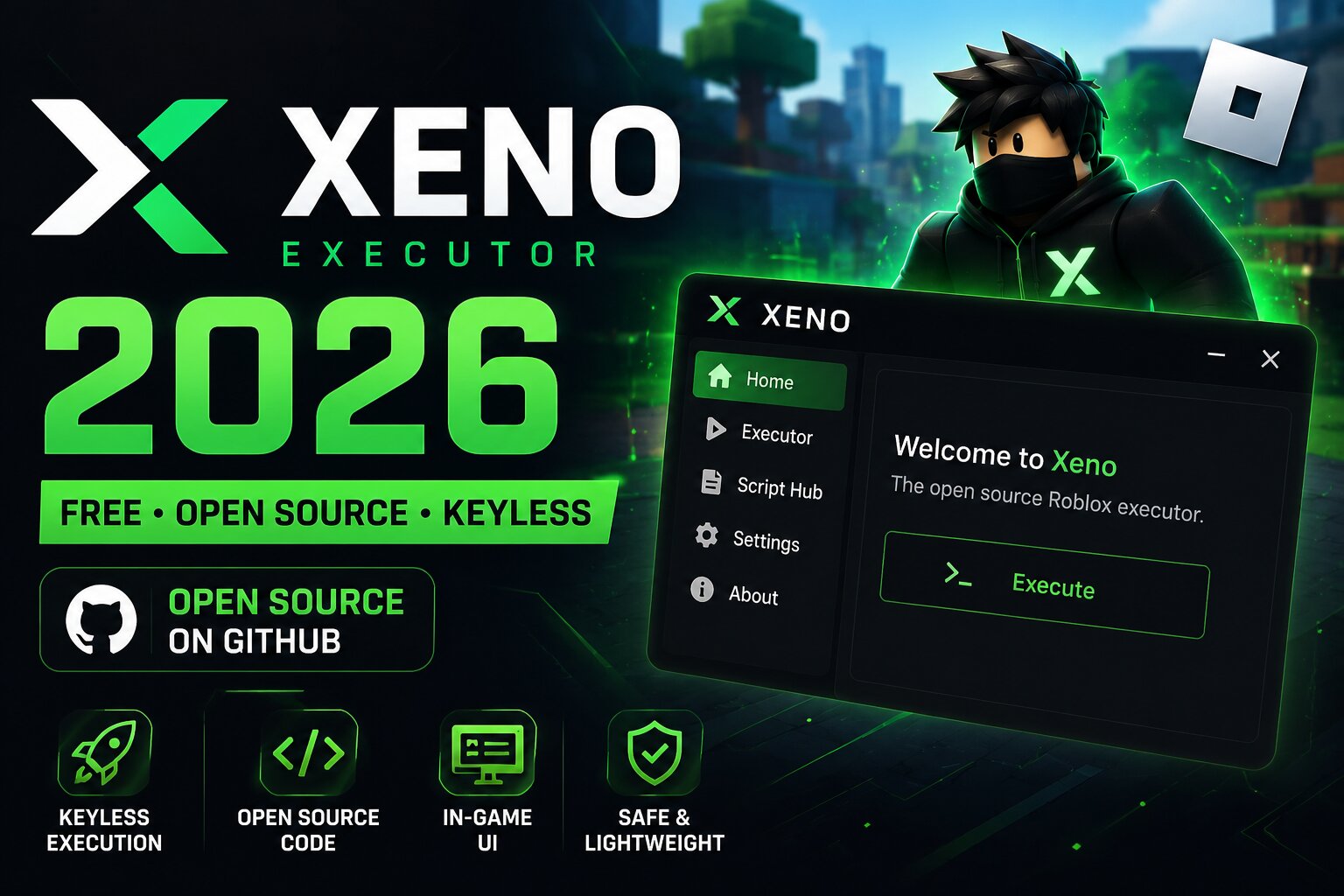
Xeno is a free Roblox executor that stands out from many alternatives because its project is presented as open source and publicly maintained on GitHub. It is keyless, lightweight, and uses an in-game interface rather than relying entirely on a separate executor window. For users who prefer transparency and want to inspect the project source, Xeno can be an interesting alternative to other free executors.
The biggest concern is the number of unofficial websites using the Xeno name. Because fake downloads can contain unwanted or malicious software, users should verify the repository and release source carefully before downloading anything.
Important: Only use a release from a repository you can independently verify as belonging to the actual Xeno project. Avoid random download sites, shortened links, and unofficial Discord or Telegram downloads.
Browse our complete Roblox Executor hub to compare Xeno with other free, paid, and mobile options.
Xeno Information
- Platform : Windows 10 and 11, 64-bit
- Latest version : V1.0.6 to V1.1.x range
- UNC / sUNC score : ~85–90%
- Key system : None. Fully keyless
- Price : Free
- License : Open source on GitHub
- Interface : In-game ImGui-style menu
- Source : Verified project GitHub releases
What is Xeno Executor?
Xeno is a free Windows-based Roblox executor designed to run external Lua scripts in Roblox experiences. Unlike traditional executors that commonly use a separate editor and attach window, Xeno is known for its in-game interface, which can make accessing its available functions more convenient.
One of Xeno's main attractions is its open-source approach. Instead of relying entirely on a closed executable, the project makes its source available through GitHub, allowing technically experienced users to inspect the code and follow development.
Xeno is also completely keyless according to the provided project information, meaning users do not have to complete advertising checkpoints or enter a daily key before using it.
Key Features
Keyless Execution
Xeno does not require a traditional key system. There are no advertised checkpoints or Linkvertise-style verification steps required by the project itself.
Open Source Project
The availability of source code is one of Xeno's biggest differences compared with closed-source executors. Users who understand the code can inspect the project and follow changes made by contributors.
In-Game Interface
Xeno uses an in-game ImGui-style interface instead of relying solely on an external executor window. This allows the available controls to appear directly over the Roblox experience.
Lightweight Design
Xeno is positioned as a relatively lightweight executor, making it appealing to users who prefer a simple interface without unnecessary background components.
Script Compatibility
The project information places Xeno around the 85–90% UNC/sUNC range. Compatibility can still vary considerably between individual scripts, especially after Roblox updates.
How to Download Xeno Safely
Because there are many websites using the Xeno name, downloading from the correct source is particularly important.
- Find the Xeno project's verified GitHub repository.
- Check that the repository is actively maintained and that its release information matches the project.
- Open the repository's Releases section.
- Download the latest release provided by the verified project.
- Scan downloaded files with your security software before running them.
- Avoid executables distributed through random mirrors, shortened URLs, or unofficial social-media posts.
- Once installed, launch Roblox and use Xeno only with scripts you trust.
- For Roblox-specific scripts, you can browse our Roblox script library.
Never disable Windows security protections simply because an unofficial download tells you to. An antivirus warning can sometimes be a false positive with software that interacts with another application, but it can also indicate a genuinely unsafe file.
Xeno vs Other Roblox Executors
Xeno's main advantage is its open-source positioning and keyless experience. Other executors may focus more heavily on execution compatibility, mobile support, paid features, or update speed.
If you are looking for a simple free Windows option, you can also read our Solara Executor review.
Users interested in a paid alternative can compare it with Wave Executor, while mobile users may want to check our Delta Executor page.
Pros and Cons
Pros
- Free to use.
- Keyless according to the project information.
- Open-source project.
- In-game interface.
- Lightweight design.
- Public GitHub development.
- No need to rely on random key systems.
Cons
- Windows-focused.
- Compatibility can vary between scripts.
- May require updates after Roblox patches.
- Numerous unofficial websites use the Xeno name.
- Users need to be careful when choosing a download source.
Frequently Asked Questions
Is Xeno Executor safe?
Safety depends heavily on where you obtain it. The safest approach is to use a release from the project's verified GitHub repository and avoid unofficial mirrors. Never assume that a website using the Xeno name is automatically legitimate.
Is Xeno Executor free?
Yes. Xeno is presented as a free Roblox executor and does not require a traditional paid subscription.
Does Xeno have a key system?
No. The Xeno version described here is keyless, so users do not need to complete a typical executor key process.
Is Xeno open source?
Yes. Xeno is presented as an open-source project hosted through GitHub, allowing the source code to be inspected and followed by the community.
What operating system does Xeno support?
The version covered in this review is designed for Windows 10 and Windows 11 64-bit systems.
What is Xeno's UNC score?
The provided project information places Xeno around 85–90% UNC/sUNC. Actual script compatibility can vary, so the score should not be treated as a guarantee that every script will work.
Why is Xeno not working?
A Roblox update can break executor compatibility until the project is updated. If Xeno suddenly stops working, check the verified project repository for a newer release rather than downloading a random "fixed" version from another website.
Can Xeno run every Roblox script?
No executor can guarantee compatibility with every script. Some scripts may require functions that Xeno does not support, while others can stop working after a Roblox or game update.
The Bottom Line
Xeno is an interesting choice for Roblox users who prioritize a free, keyless and open-source project. Its in-game interface and lightweight design make it different from traditional executor setups, while the public GitHub development model gives it an advantage for users who value source transparency.
The biggest thing to remember is download-source verification. The Xeno name can be used by unofficial websites, so always verify the repository before running any executable.
If you want a simpler free Windows alternative, check our Solara Executor 2026 review. For a paid option, see Wave Executor 2026 review, or return to the full Roblox Executors list to compare all available options.
Comments (0)